How RAM and Storage Change What Your Mac Is Worth
Apple Silicon memory and storage can't be upgraded — so the config you pick at checkout quietly decides your Mac's resale value.
Encore Editorial · Sep 5, 2026 · 6 min read
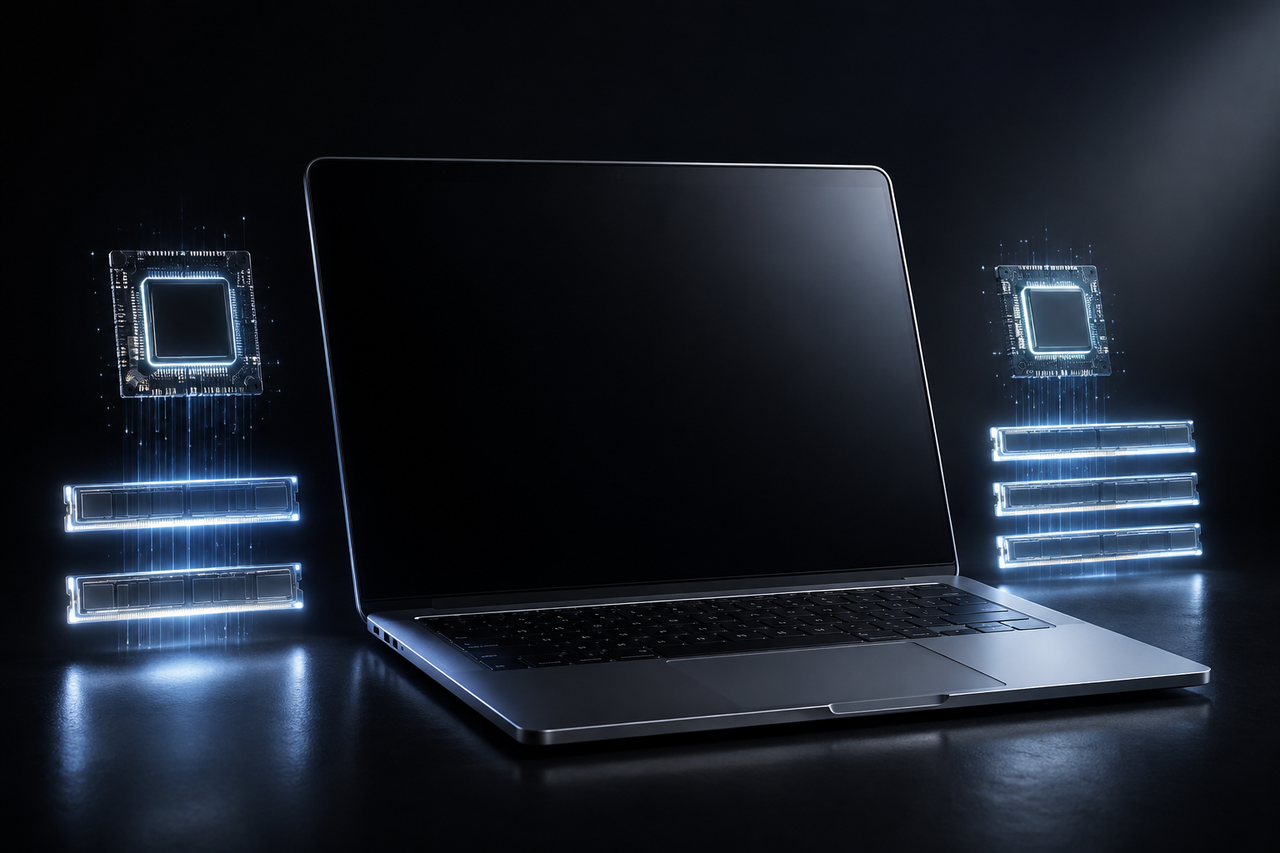
On an older Mac, RAM and storage were things you could add later — a weekend, a screwdriver, a cheap memory stick. On every Apple Silicon Mac, that door is closed. The RAM and storage you pick at checkout are welded to the machine for life, and that single fact is what makes configuration the biggest lever on resale value that most owners never think about.
Because a buyer can't upgrade a used Mac the way they once could, the only way to get more memory or a bigger drive is to buy a unit that already has it. That scarcity is exactly what props up the resale price of higher-spec machines.
Why the config is a one-time, permanent decision
Apple Silicon uses unified memory — RAM built into the same chip package as the processor, rather than sitting in a socket. It's fast, but it's fixed. As iFixit's repair community bluntly puts it, "the RAM is fixed on the board and cannot easily be replaced or upgraded," so the memory has to be specified "at the point of sale." Storage on these machines is soldered down the same way.
For a buyer shopping the used market, that means a 16GB machine and an 8GB machine are not the same product at different ages — they are different products, permanently. You can't close the gap after the fact. That's why the used market prices the gap in rather than shrugging it off.
What RAM does to resale value
Memory is now the spec that moves value the most, because it's the one buyers feel every day. iGadgets Buy's 2026 model breakdown found that a MacBook with 16GB unified memory consistently sells for a solid premium over an otherwise identical 8GB version. The same analysis notes 8GB machines are depreciating faster this year specifically because AI features and heavier background workloads make the smaller pool feel tight.
The direction of travel matters here. Eight gigabytes was a defensible baseline a few years ago; in 2026 it increasingly reads as the "starter" config that ages out first. The extra memory doesn't just add a fixed premium — it slows the whole depreciation curve.
What storage does to resale value
Storage works the same way, if a little less dramatically. Both ecoATM and iGadgets Buy report that configurations with 512GB or more of storage hold value roughly 15% to 25% better than base-storage models. A 256GB drive fills up fast once you add a photo library, a few large apps, and local backups — and unlike RAM, storage pressure is something buyers can see filling the bar in real time.
The pattern to remember: higher RAM and storage don't just add a one-time premium at resale — because they can never be upgraded, they slow how fast the whole machine depreciates. The config you buy is the config you eventually sell.
How the tiers actually move value
Configuration shows up clearly in real sold prices. ValueSnap's tracking shows a 14-inch M3 Pro with 18GB of memory and 512GB of storage holding a far larger share of its original price than a base machine would. Here's the rough shape of how each upgrade tends to carry forward:
| Upgrade at purchase | Effect on used value |
|---|---|
| 8GB → 16GB RAM | A solid premium on an otherwise identical machine, and a slower decline over time |
| 256GB → 512GB+ storage | About 15–25% better value retention versus base storage |
| Base "starter" config overall | Depreciates fastest; first to feel dated as software demands rise |
None of this means you should over-buy. The lesson is that the memory and storage you choose are a resale decision as much as a performance one — a well-chosen 16GB/512GB machine is easier to sell and holds more of its price than a base unit bought to shave a little off the sticker up front.
Config sets the ceiling — condition and timing decide the rest
Specs establish how much a machine can be worth; how you treat it and when you sell determine how much of that ceiling you actually reach. ecoATM's guidance lines up with what any buyer does instinctively: scratches, dents, and a tired battery pull offers well below the top of the range, and a couple of factors matter more than people expect. A personal engraving, for instance, "can reduce a device's resale value by as much as 15-20%" simply by shrinking the pool of buyers, and a missing charger or box quietly trims what a buyback service will offer.
Timing stacks on top of configuration too. Because Apple Silicon specs are locked, the used market treats a new release as a moment to reprice everything older — ecoATM notes that when Apple announces a new MacBook Pro, prices on the previous generation "typically drop 15-20% within the first month." A high-spec machine sold before that shift, in clean condition and with its accessories, captures the full premium its RAM and storage earned it.
Before selling, the housekeeping is straightforward: back up with iCloud or Time Machine, sign out of your Apple ID, and erase the machine through System Settings before it changes hands. A clean, fully reset unit is the one that commands the price its configuration deserves.
The bottom line
On an Apple Silicon Mac, RAM and storage aren't just specs — they're the spine of the machine's resale value, precisely because no future owner can change them. If you already own a well-configured Mac, that works in your favor: higher-memory, larger-storage machines are the ones the used market wants most. When you're ready to move on, an instant offer will reflect exactly which tier you chose — so it's worth knowing that the upgrade you paid for years ago is still paying you back.
Get an instant offer on your Mac
A real number in about 30 seconds — working or not. Free prepaid shipping, no seller fees, paid the day it arrives.*
Get my offerSources
More from Encore
 Value & Depreciation
Why MacBooks Hold Their Value Better Than Windows Laptops
Long software support, durable build, ecosystem pull, and steady demand keep used MacBooks worth far more than Windows laptops.
Sep 27, 2026 · 6 min read
 Value & Depreciation
Mac Studio vs Mac Pro: Which Holds Value Better?
Same silicon, very different depreciation: why the Mac Studio resells easily and the Mac Pro gives back more of its value.
Sep 27, 2026 · 6 min read
 Value & Depreciation
The iMac Pro: An Orphaned Powerhouse's Second Life
Discontinued, now Intel-sunset, still capable: who the iMac Pro is for in 2026 and how to value one.
Sep 27, 2026 · 6 min read