The Biggest Complaints About 2020-and-Newer Macs
Apple Silicon Macs are fast and efficient, but three gripes come up again and again in owner forums — and they quietly shape what your Mac is worth today.
Encore Editorial · Sep 14, 2026 · 6 min read
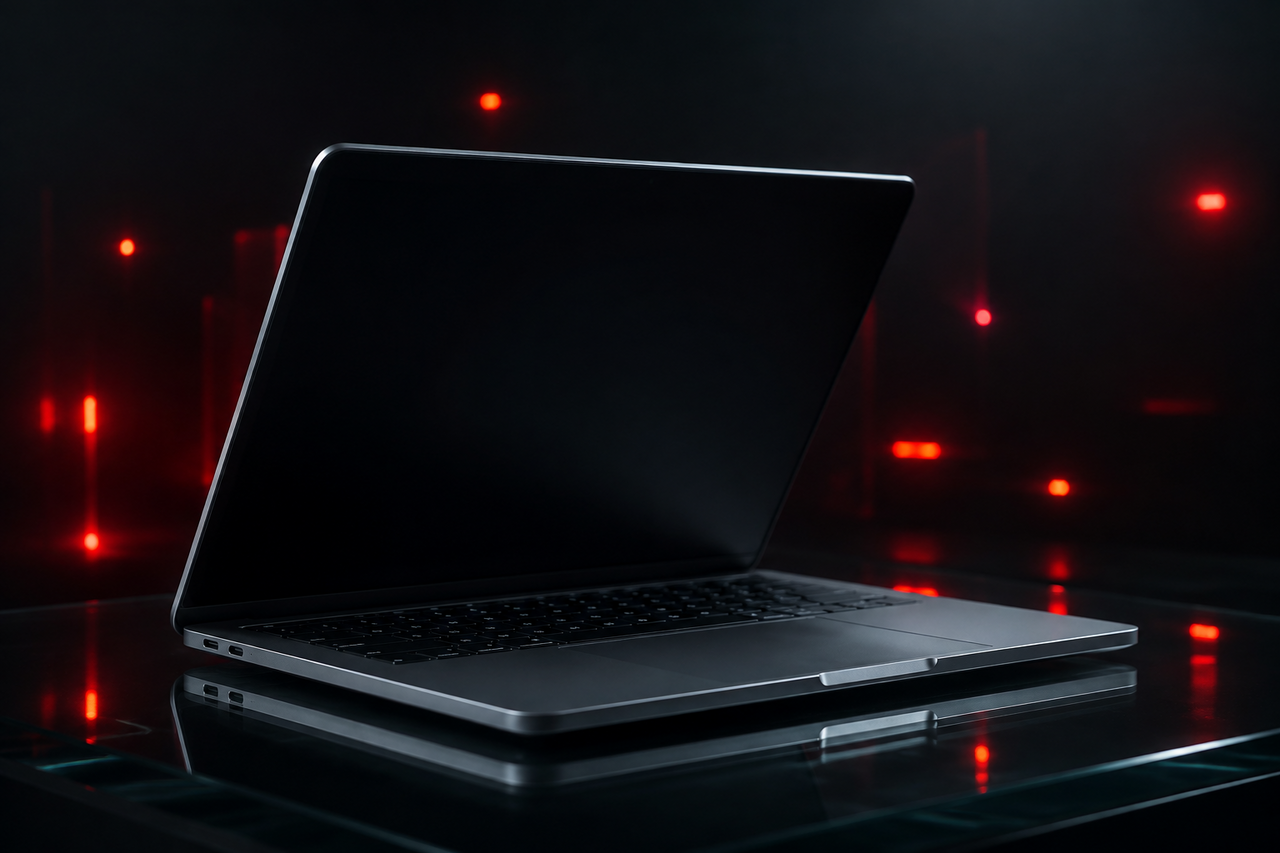
Apple Silicon changed what a laptop could be. The M1, M2, and M3 Macs run cool, last most of a day on a charge, and stay quiet under loads that used to send Intel fans howling. Owners genuinely love them. But spend any time in the big Mac communities and you'll notice the same handful of complaints surface over and over — not from cranks, but from thousands of otherwise happy owners piling into the same threads. These aren't fringe gripes. They're the widely-agreed rough edges of the 2020-and-newer lineup, and they cluster almost entirely around one thing: what Apple ships in the base configuration.
Here's an honest look at the three complaints that come up most, why the consensus formed the way it did, and how each one quietly follows a Mac into the resale market years later.
Complaint #1: 8GB of base RAM — and the “analogous to 16GB” defense that made it worse
For years, Apple sold entry-level Macs — including the MacBook Pro — with 8GB of unified memory as standard. Critics argued that in an era of memory-hungry browsers, photo libraries, and background apps, 8GB was thin for a machine carrying a premium price. Apple's response is what really lit the fuse. A company marketing executive told a video interviewer that 8GB on a Mac was effectively enough because of the efficiency of the memory architecture. As MacRumors reported, Apple claimed that 8GB on an M3 MacBook Pro is “analogous to 16GB” on a comparable PC — a line that spread instantly and did not go down well.
Macworld captured the pushback directly, walking through why the comparison rang hollow to so many owners and testers, and why defending 8GB as equivalent to 16GB struck a nerve with people who'd already watched the base machine swap to disk under everyday multitasking. Unified memory is more efficient than a traditional split between system RAM and VRAM, but the consensus that formed was blunt: 8GB is fine for light use and a real constraint for anyone doing more, and marketing it as the equal of twice the memory only drew more attention to the ceiling. It's telling that Apple has since moved its base configs to more memory — an implicit acknowledgment of the complaint.
The through-line of every base-Mac complaint is the same: the entry configuration cuts a corner most owners don't notice on day one and feel later — in memory headroom, in storage speed, or in how many screens they can plug in. It's why 16GB-or-more, 512GB-or-more machines earn such loyalty.
Complaint #2: the base 256GB SSD is measurably slower
This one started as a benchmark curiosity and hardened into accepted fact. When the M2 MacBook Air arrived, reviewers noticed the entry 256GB model posted noticeably lower disk speeds than the previous generation. MacRumors documented it plainly: the base M2 MacBook Air's SSD tested roughly 30–50% slower in read and write than the 512GB version. The cause turned out to be physical, not a fluke. A teardown showed the reason: to hit its capacity, the base model uses a single NAND flash chip instead of two, and a lone chip can't be read and written in parallel the way a pair can, so sustained throughput drops.
For a lot of tasks you'd never feel it. But for large file transfers, heavy multitasking, or moments when the system leans on swap because memory is tight, the slower single-chip SSD compounds the RAM complaint above. The two limits live in the same machine — the base one — which is exactly why community advice converged on “skip the base storage tier if you can.”
Complaint #3: base M-series chips officially drive only one external display
This is the complaint that catches people by surprise, because it has nothing to do with speed. Since the very first M1 in 2020, the base-tier Apple Silicon chip has officially supported only one external monitor (in addition to the laptop's built-in screen). Owners who plugged in a second display expecting it to “just work” found it mirrored or blank instead. Years and chip generations later, the limit persisted: a long, heavily-followed forum thread documents that Macs with the M3 chip still officially support only a single external display — with the twist that the M3 could drive a second screen only if the laptop's lid was closed.
Because it's such a common frustration, Macworld maintains a full guide to connecting two or more external displays to Apple Silicon Macs, covering the DisplayLink workarounds and which higher-tier chips (Pro, Max) lift the limit natively. The takeaway owners keep repeating: if a dual-monitor desk matters to you, the base chip isn't enough, and no amount of adapters fully hides that.
How the base configs compare
| Area | Base configuration | Higher-tier configuration |
|---|---|---|
| Memory | 8GB on many 2020–2023 models | 16GB+ unified memory |
| Storage speed | 256GB single-NAND, ~30–50% slower | 512GB+ dual-chip, full speed |
| External displays (base chip) | One official external display | Two or more with Pro/Max chips |
| Resale demand | Softer — buyers hesitate | Stronger — buyers seek it out |
What this means when you sell
Here's the honest resale angle. These complaints are so widely shared that buyers of used Macs have absorbed them too. On the second-hand market, people gravitate toward 16GB-or-more memory, 512GB-or-more storage, and Pro/Max-tier chips — the configurations that dodge all three gripes. Those machines hold their value better and move faster, while base configs tend to sit a little longer and settle a little lower. None of this makes a base Mac a bad computer; it's simply why configuration matters more to resale on Apple Silicon than it did in the Intel years.
It also means the details matter when you sell — how much memory, which chip, how big and how fast the SSD. The good news is you don't have to prove any of it. When you get an instant online offer in about 30 seconds from Encore, the exact configuration of your Mac is already accounted for in the quote, so you're not left decoding specs or making your case to a skeptical stranger. You get a free prepaid, insured shipping label, and you're paid once the Mac arrives — the offer you accepted is the offer you're paid, and even a base 8GB machine or one with a scuff has a straightforward path. If you're weighing whether your everyday laptop is worth more than the hassle of a private listing, it's worth seeing what your MacBook Air is worth as-is before you decide.
Get an instant offer on your Mac
A real number in about 30 seconds — working or not. Free prepaid shipping, no seller fees, paid the day it arrives.*
Get my offerSources
- MacRumors — 8GB RAM on M3 MacBook Pro 'Analogous to 16GB' on PCs, Claims Apple
- Macworld — Apple defends 8GB of RAM in the MacBook Pro as 'analogous to 16GB' in a PC
- MacRumors — Base Model MacBook Air With M2 Chip Has Slower SSD Speeds in Benchmarks
- MacRumors — MacBook Air Teardown Reveals Single Storage Chip for 256GB Model
- MacRumors Forums — Macs With M3 Chip Still Officially Support Only a Single External Display
- Macworld — How to connect two or more external displays to Apple Silicon Macs
More from Encore
 Value & Depreciation
Why MacBooks Hold Their Value Better Than Windows Laptops
Long software support, durable build, ecosystem pull, and steady demand keep used MacBooks worth far more than Windows laptops.
Sep 27, 2026 · 6 min read
 Value & Depreciation
Mac Studio vs Mac Pro: Which Holds Value Better?
Same silicon, very different depreciation: why the Mac Studio resells easily and the Mac Pro gives back more of its value.
Sep 27, 2026 · 6 min read
 Value & Depreciation
The iMac Pro: An Orphaned Powerhouse's Second Life
Discontinued, now Intel-sunset, still capable: who the iMac Pro is for in 2026 and how to value one.
Sep 27, 2026 · 6 min read