How to Find Your Mac's Serial Number (and What It Reveals)
Your Mac's serial number is one click away and unlocks warranty status, the exact model, and an accurate valuation. Here's where to find it.
Encore Editorial · Sep 25, 2026 · 6 min read
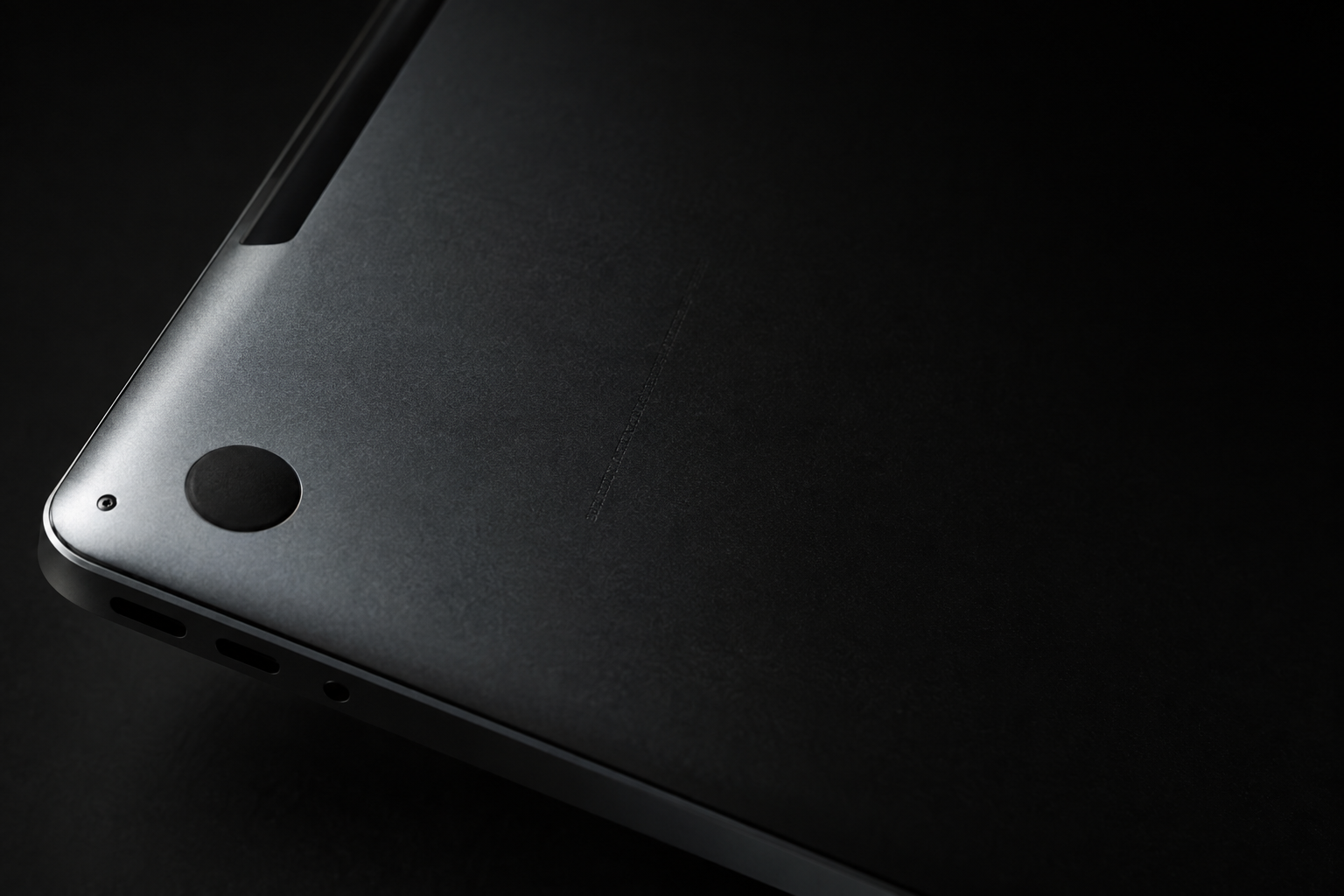
Every Mac carries a unique fingerprint, and it is not the logo on the lid or the model name in the menu bar. It is the Mac serial number: a short alphanumeric string that tells Apple, a repair shop, or a buyer exactly which machine sits in front of them. Knowing how to find your Mac's serial number takes about ten seconds, and it unlocks a surprising amount of information about the computer you own.
Whether you are checking warranty coverage, filing a support request, reporting a theft, or getting a quote before you sell, the serial number is the first thing anyone will ask for. Here is where it lives and what it can tell you.
Where to find your Mac serial number
There are several ways to pull it up, and they should all return the same string. According to Apple's support documentation, the most direct routes are:
- About This Mac. Click the Apple menu in the top-left corner, choose About This Mac, and the serial number appears in the window that opens. This is the fastest method and requires no digging.
- System Information. Hold the Option key, click the Apple menu, and choose System Information. Select Hardware in the sidebar and the serial number is listed alongside your chip, memory, and other specs.
- The chassis itself. Apple notes the serial number is "usually printed on the underside of your Mac, near the regulatory markings." On a MacBook, flip it over; on a desktop, check the base or the back.
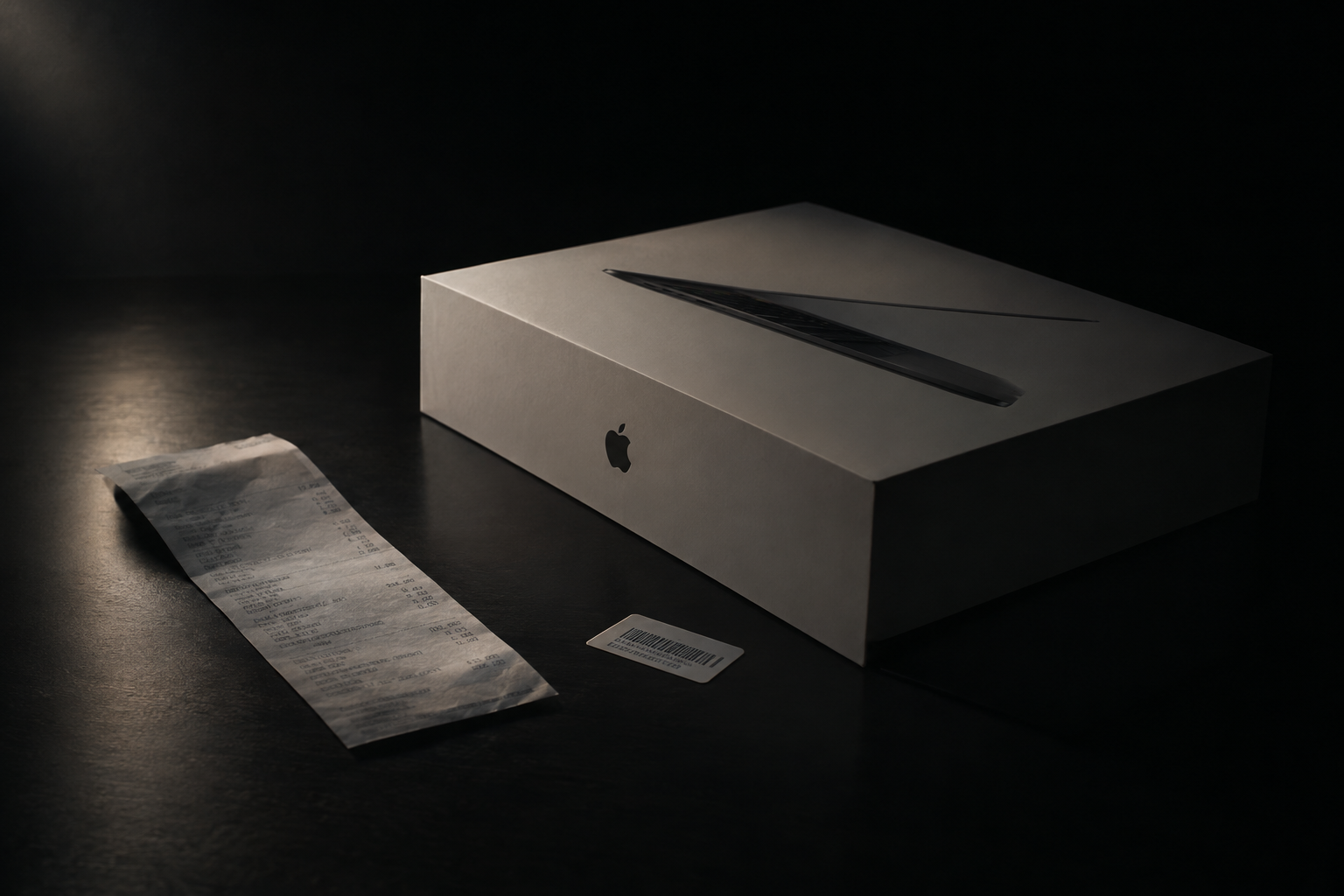
- The original box. If you kept the packaging, the serial number is printed on a label next to the barcodes.
- Your Apple account. Sign in at account.apple.com, open Devices, and click your Mac's name to see its serial number listed with the device.
- Terminal. For the command-line inclined, running ioreg -l | grep IOPlatformSerialNumber prints the serial directly.
One important caveat from Apple: if your Mac has had its logic board replaced, the serial number printed on the case or box "might no longer be active." In that situation, trust the software methods — About This Mac or your Apple account — because they reflect the machine's current, live serial rather than a sticker that predates the repair.
The short version: Your Mac serial number is one Apple-menu click away in About This Mac, and it is the key that unlocks warranty status, the exact model name, and an accurate valuation. If a printed serial and a software serial ever disagree, trust the software.
What the serial number actually reveals
The serial number is more than an identifier for Apple's records. Plug it into checkcoverage.apple.com and, as Apple explains, you can "find the specific name of your Mac model" along with its warranty and AppleCare status. That matters because the name in About This Mac is often generic — "MacBook Pro" tells you very little when a dozen distinct models share that label across different years, chips, and screen sizes.
The coverage check turns a vague label into a precise identity: the model year, the display size, and eligibility for service. In its guide to buying a used Mac without getting ripped off, AppleInsider recommends running the serial through Apple's coverage tool precisely because it can "confirm warranty status, AppleCare coverage, and exact model specifications." For a buyer, that is a quick authenticity check. For a seller, it is proof of exactly what you are offering.
A note on older versus newer serials
If your Mac was built before 2021, the serial number is not truly random: historically the first characters encoded the manufacturing location and the year and week of production, with a trailing code that hinted at configuration. Apple began shifting to fully randomized serial numbers in early 2021, so on newer machines the string reveals nothing on its own — you have to look it up. Either way, the serial is still the reliable pointer to your Mac's true identity; the difference is only whether you can read it by eye or need Apple's database to decode it.
When you actually need it
A few situations make the serial number essential rather than nice to have:
- Warranty and repairs. Any AppleCare interaction starts with the serial. It confirms whether a fix is covered before you hand the machine over.
- Theft or loss. Police reports and insurance claims want the serial number to identify the specific unit. Record it somewhere safe now, while the Mac is in your hands.
- Proving what you have. When you list a Mac or request a quote, the serial removes ambiguity about the model, letting the other side price the exact machine rather than guess.
- Selling. Because the serial decodes to the precise model and configuration, it is the single most useful thing you can share to get an accurate number. If you are moving a machine on, an instant offer takes about thirty seconds once you have the serial in hand.
Keep it private until it matters
The serial number is not a password, but it is not confetti either. Because it can be used to look up coverage and, in some contexts, to impersonate a device in support channels, avoid posting it publicly in listings or forum screenshots. Share it directly with a buyer, a repair provider, or a valuation tool — not with the entire internet. Blur it out of any photos you post before a sale is agreed.
It is also worth recording the serial somewhere independent of the Mac itself — a password manager or a note in your Apple account — so you still have it if the machine is stolen, dead, or wiped. A serial you cannot retrieve is a serial that cannot help you file a claim or prove ownership.
The bottom line
Finding your Mac serial number is trivial — a click in About This Mac, a glance at the underside, or a line in Terminal — but it is one of the most useful pieces of information about your computer. It confirms your exact model, unlocks warranty and coverage details, protects you in a theft claim, and lets anyone value the machine accurately. Learn where it lives, keep a private copy, and you will never be stuck guessing what your Mac really is.
Get an instant offer on your Mac
A real number in about 30 seconds — working or not. Free prepaid shipping, no seller fees, paid the day it arrives.*
Get my offerSources
More from Encore
 Guides & How-To
How to Prove Your Mac Isn't Stolen to a Cautious Buyer
Nervous buyers want proof a used Mac is really yours to sell. Here's the paperwork and the two-minute checks that put their mind at ease.
Nov 18, 2026 · 4 min read
 Guides & How-To
Forgot Your Mac's Password Before Selling? Here's What to Do
Locked out of a Mac you want to sell? Here are the recovery routes in order — and the Find My step you still must not skip, even after a full erase.
Nov 17, 2026 · 4 min read
 Guides & How-To
How to Check Your Mac's Parts and Service History
Apple silicon Macs now keep a record of repairs. Here's how to read the Parts & Service screen, what the labels mean, and why it matters at resale.
Nov 16, 2026 · 4 min read