First Time Selling a Mac? A Simple Walkthrough
A calm, step-by-step guide to selling your first Mac safely — back up, sign out in the right order, screen the buyer, and get paid before it ships.
Encore Editorial · Sep 11, 2026 · 7 min read
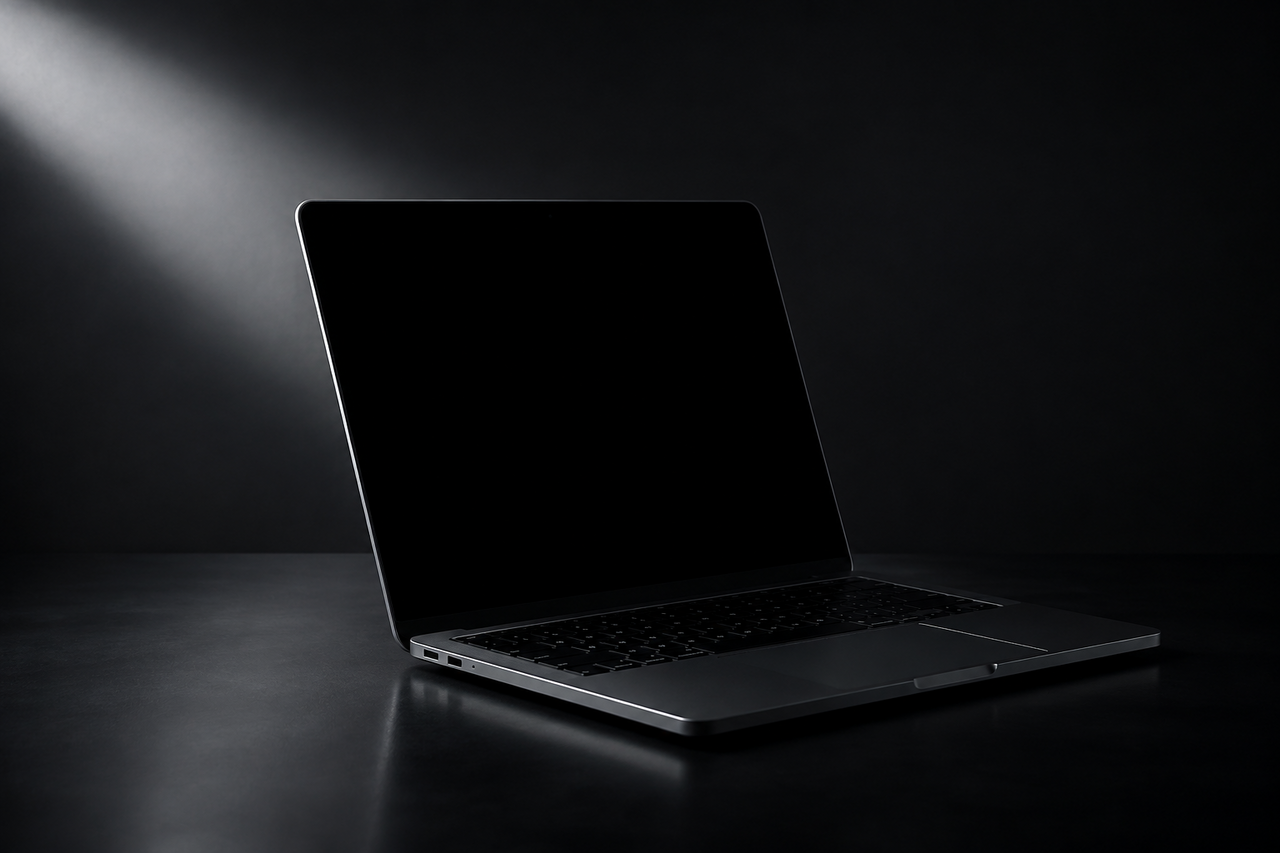
Selling a Mac for the first time can feel oddly high-stakes. It's a valuable, personal machine — full of your accounts, photos, and work — and the process has just enough moving parts that it's easy to worry you'll forget something important or hand it to the wrong person. The reassuring truth is that a clean, safe Mac sale is mostly a checklist. Do the steps in order and the whole thing is far calmer than it looks.
Here's an honest, end-to-end walkthrough: what to do before you list, how to prepare the machine so it's genuinely ready for a new owner, and how to sidestep the traps that most often catch first-time sellers.
Step one: back up, then figure out exactly what you have
Before you touch anything else, make a full backup. A Time Machine backup to an external drive, a manual copy of your important folders, and a check that your photos and documents are safely in iCloud will all do the job — the point is that once you erase the Mac, whatever wasn't backed up is gone for good.
Next, pin down exactly what you're selling: the model, the year, the chip, how much memory it has, and the storage size. That's what determines its value and what any serious buyer will ask you first. The reliable source for all of this is right on the machine — open the Apple menu and choose About This Mac. Don't rely on guessing from the outside or decoding the serial number; newer Macs use randomized serials that don't reveal the configuration, so the About This Mac panel is the honest answer.
Step two: sign out and erase — in the right order
This is the step first-timers most often get wrong, and getting it wrong can either leave your personal data on the machine or lock the buyer out entirely. The order matters. Apple's own checklist for handing a Mac to someone else is worth following literally: its guide to preparing a Mac for a new owner walks through signing out of your services and then erasing the disk.
The critical sequence is to sign out of your Apple Account first — which turns off Find My and removes Activation Lock — and only then erase the Mac. On Apple silicon and Intel Macs with a T2 chip, the cleanest tool is "Erase All Content and Settings" in System Settings, which wipes your data and returns the machine to a factory-fresh state. If you erase without signing out first, the Mac can stay tied to your Apple ID and refuse to activate for the new owner, which turns a smooth sale into a support headache.
Sign out of your Apple Account before you erase. That single step removes Activation Lock and detaches the Mac from you. Wiping the disk without signing out first can leave the buyer with a machine they can't activate — and you with an unhappy buyer.
Step three: write an honest listing and screen your buyer
An accurate description protects you as much as the buyer. State the true condition, note any dents, battery wear, or dead pixels, and include clear photos — including one of the serial number, which gives you a record of exactly which unit you sold. Overstating condition is the fastest way to invite a dispute later.
If you sell to another individual, treat the meetup itself as part of the transaction. The security firm Avast lays out the basics of avoiding Facebook Marketplace scams: meet in a busy public place, be wary of buyers who refuse to meet or who push you off-platform, and watch for offers that seem too generous. A stranger who is in a great hurry, won't answer simple questions, or wants to "just wire the money and have a courier pick it up" is showing you a red flag, not a convenience.
Step four: get genuinely paid before the Mac leaves your hands
The single rule that prevents most money scams is simple: confirm the funds have actually landed and cleared in your account before the machine goes anywhere. The Federal Trade Commission's guidance on how to avoid a scam when selling online is blunt about the common tricks: never deposit a check for more than your asking price and refund the "extra," don't accept a payment-app transfer from someone you don't know, and never share a verification code a buyer texts you. A screenshot of a "payment sent" notification is not money — only a real, settled balance in your own account counts.
A quick pre-sale checklist
| Do this | Why |
|---|---|
| Full backup | Anything not saved is lost after erase |
| Note model/chip/RAM/storage from About This Mac | Sets a fair price, answers buyer questions |
| Sign out of Apple Account, then erase | Removes Activation Lock, clears your data |
| Honest listing with serial photo | Prevents "not as described" disputes |
| Confirm cleared payment first | Defeats fake-payment and overpayment scams |
The lower-stress path
If the whole sequence — screening strangers, arranging a meetup, and second-guessing a payment — sounds like more than you want to take on for a first sale, there's a calmer option: sell to a dedicated buyer instead of another individual. That's the model Encore uses. You get an instant online offer in about 30 seconds, a free prepaid, insured shipping label, and payment once the Mac arrives, with the offer you accepted being the offer you're paid. There's no stranger to meet, no postage to buy, and no chargeback to fear later — and because it buys broken and damaged units too, you're not stuck if your Mac is older or a little worse for wear. You'll still want to back up and sign out first, but the risky parts of a private sale simply aren't in the picture. It won't always beat a flawless private sale on headline price, but for a first-timer it removes almost everything that makes selling a Mac stressful. If you're not sure your machine is even worth the hassle of a listing, it's worth seeing what it's worth as-is before you decide.
Get an instant offer on your Mac
A real number in about 30 seconds — working or not. Free prepaid shipping, no seller fees, paid the day it arrives.*
Get my offerSources
More from Encore
 Guides & How-To
What Actually Gets Erased When You Wipe a Mac
Wiping a modern Mac destroys an encryption key, not files one by one. Here's what really disappears and what survives the erase.
Sep 26, 2026 · 6 min read
 Guides & How-To
Real vs Counterfeit Mac Chargers: How to Tell and Why It Matters
Most fake Mac chargers fail basic safety tests. How to spot a genuine adapter — and why keeping it protects your resale value.
Sep 25, 2026 · 6 min read
 Guides & How-To
Why 2021-and-Newer Macs Have Randomized Serials — and Why It Matters
Apple stopped encoding the model, storage, and build date into serial numbers in 2021. Here's how to verify a used Mac now.
Sep 25, 2026 · 6 min read