A Bubble Mailer Is Not Packaging — What to Use Instead
A padded envelope gives a laptop no protection against crushing or drops. Here's the simple, often-free box setup to use instead.
Encore Editorial · Sep 23, 2026 · 5 min read
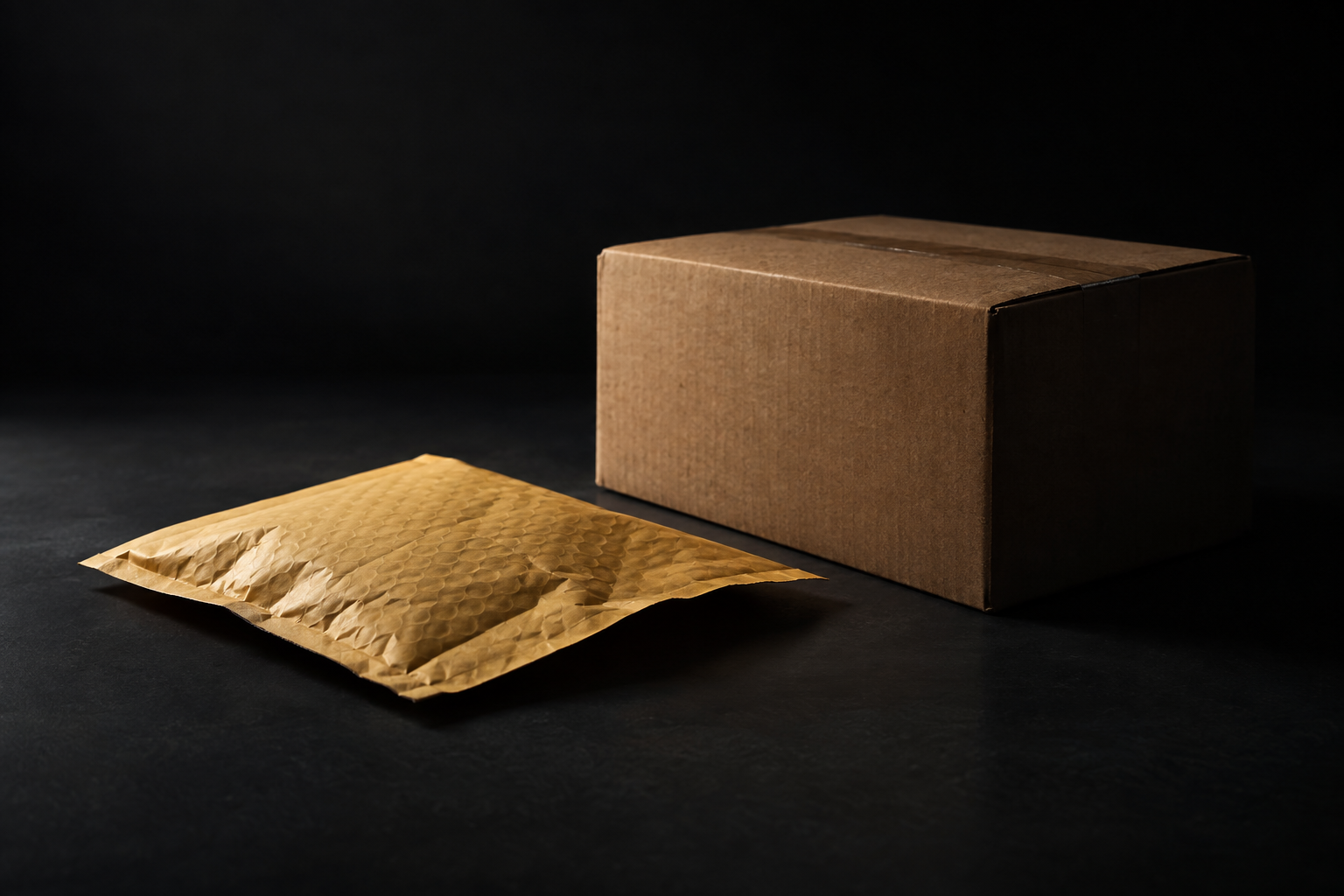
It is one of the most common ways a MacBook arrives cracked: the seller slid it into a padded envelope, added a stamp, and called it done. A bubble mailer is not packaging for a laptop. It is a flexible sleeve that guards against scuffs and nothing else, and a laptop's greatest enemies in transit — crushing pressure and hard drops — are exactly what an envelope cannot stop. This is why a bubble mailer fails a MacBook, and what to use instead.
Why a bubble mailer can't protect a laptop
The problem is structural. A padded envelope is soft and pliable by design, which is fine for a book or a phone case but disastrous for a rigid, screen-fronted device. Nothing inside the mailer resists a squeeze, so when your parcel ends up at the bottom of a bin under heavier boxes, that weight presses straight through the thin bubble layer and into the display. Laptop screens crack from pressure, not just from impact, and an envelope offers no defense against it.
The advice from shipping specialists is consistent on the alternative. Secursus calls the "double-box method" the gold standard and specifies a "reinforced corrugated" outer box — the opposite of a flexible mailer. Easyship likewise builds its entire guidance around choosing a box "slightly larger than the laptop, so there's enough space for cushioning filler on all sides." Neither treats a padded envelope as an option, because a laptop needs a rigid shell around it and room for cushioning inside — two things an envelope cannot provide.
The short version: A padded envelope gives a laptop no protection against crushing or drops. Use a rigid corrugated box slightly larger than the machine, wrap the laptop in two-plus layers of bubble wrap, and leave about two inches of cushioning on every side. The box is the protection; the bubble wrap is the cushion.
What crushing and dropping actually do
Two forces act on every parcel, and a laptop is vulnerable to both. The first is compression: packages get stacked, and the ones underneath bear real weight for hours. A box distributes that load across its walls; an envelope transmits it directly to whatever is inside. The second is impact: parcels are dropped, tossed, and slid across floors. Cushioning absorbs a drop only if there is space for it to compress. In a mailer there is no such space — the laptop is already touching the outer surface, so a drop reaches it undiminished.
That is the whole logic behind the two inches of padding the guides call for. Esevel states the rule directly: "The laptop should not touch the outer box directly," with "at least two inches of cushioning on all sides." A bubble mailer violates that rule by definition. The device is pressed against the outer wall the moment you seal it.
What to use instead
The good news is that proper protection is cheap, simple, and often free. Here is the minimum that actually works:
- A rigid corrugated box, slightly larger than the laptop. Not flat-rate-tight — you need room for cushioning. Esevel warns that flat-rate boxes "don't always leave enough room for safe packing," so size up.
- Two or more layers of bubble wrap around the machine. Secursus specifies wrapping "in at least two layers" and seating it in "a snug-fitting box so it cannot shift."
- About two inches of cushioning on every side. Fill the gap with bubble wrap, foam, or crumpled paper until the machine cannot move when you shake the box.
- Ideally, a second box. Placing the snug inner box inside a larger outer one, with padding between, is the method the specialists recommend for anything valuable.
You often do not have to buy any of this. Carriers hand out free boxes for their ground and priority services, and those work well for a laptop once you add your own bubble wrap and cushioning inside. The box is the free part; the padding is what you supply. Just avoid the tightest flat-rate options that leave no room for the two-inch buffer.
Don't forget the basics the envelope let you skip
Switching from a mailer to a box also fixes a few things people overlook when they are rushing. Power the laptop off completely rather than shipping it asleep. Keep the battery installed — a sealed-in lithium-ion battery travels fine, and it is loose batteries, not built-in ones, that carriers restrict. And ship tracked and insured: Secursus notes that default carrier liability caps at a nominal amount that will not replace a MacBook, so add coverage for its real value.
If you are selling the machine rather than mailing it to a friend, the packaging question may be handled for you. A buyer that provides shipping sends a prepaid, tracked label specced for a laptop, so all you supply is the box and cushioning — never an envelope. If that route appeals, an instant offer takes about thirty seconds, and the label comes with it.
The bottom line
A bubble mailer is not packaging for a laptop, full stop. It cannot resist the crushing and dropping that a MacBook faces in transit, because it is a flexible sleeve with no rigid shell and no room to cushion. The fix is neither expensive nor complicated: a sturdy box slightly larger than the machine, two layers of bubble wrap, and about two inches of padding on every side — often built around a free carrier box. Spend five minutes on a real box and your MacBook arrives intact. Trust an envelope and you are rolling dice with the screen.
Get an instant offer on your Mac
A real number in about 30 seconds — working or not. Free prepaid shipping, no seller fees, paid the day it arrives.*
Get my offerSources
More from Encore
 Guides & How-To
What Actually Gets Erased When You Wipe a Mac
Wiping a modern Mac destroys an encryption key, not files one by one. Here's what really disappears and what survives the erase.
Sep 26, 2026 · 6 min read
 Guides & How-To
Real vs Counterfeit Mac Chargers: How to Tell and Why It Matters
Most fake Mac chargers fail basic safety tests. How to spot a genuine adapter — and why keeping it protects your resale value.
Sep 25, 2026 · 6 min read
 Guides & How-To
Why 2021-and-Newer Macs Have Randomized Serials — and Why It Matters
Apple stopped encoding the model, storage, and build date into serial numbers in 2021. Here's how to verify a used Mac now.
Sep 25, 2026 · 6 min read