macOS Golden Gate Ended the Intel Mac — What Owners Should Do Now
macOS Golden Gate is Apple silicon only. Here's what Intel Mac owners get, how long patches last, and when to sell.
Encore Editorial · Sep 23, 2026 · 6 min read
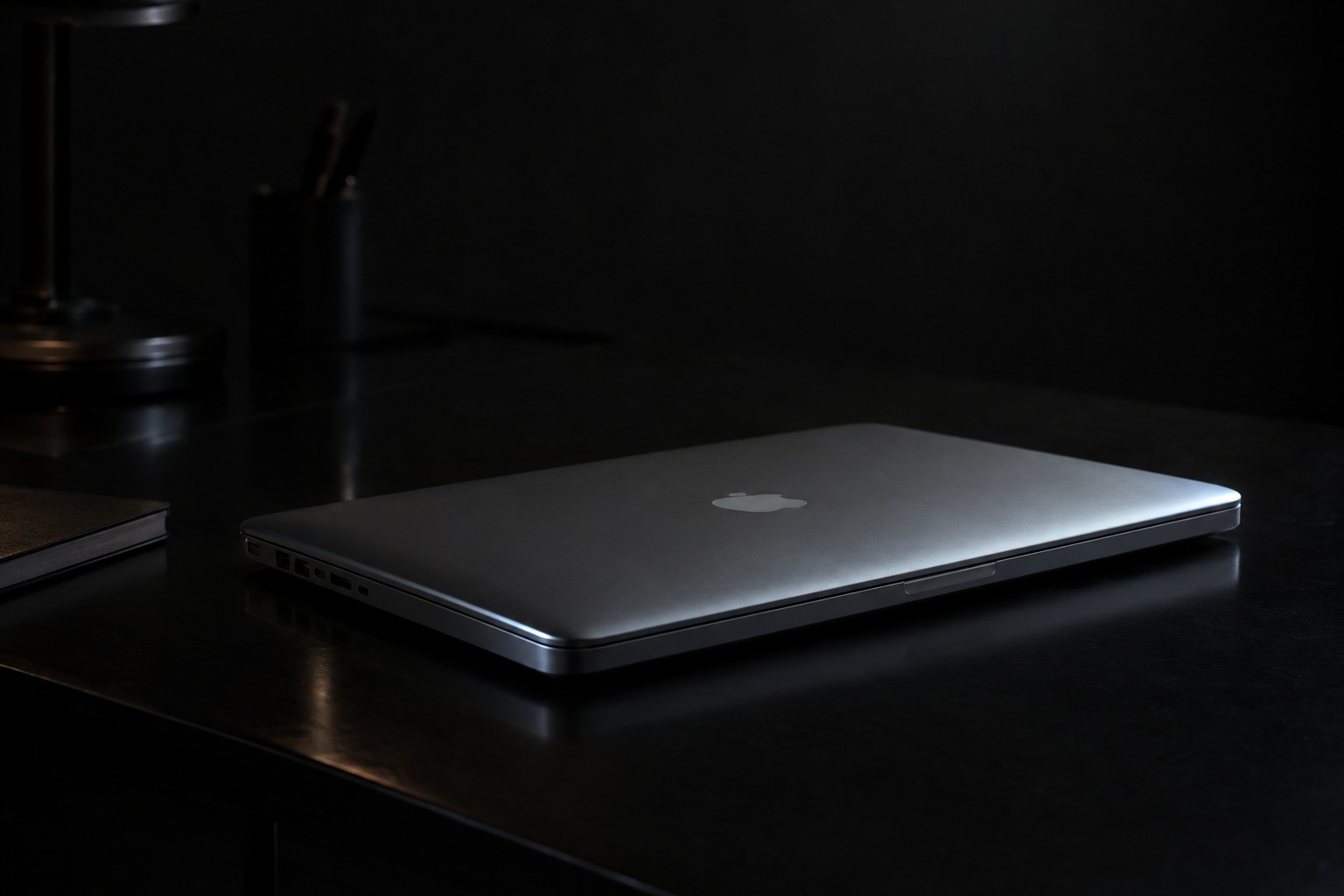
On September 14, 2026, Apple shipped macOS Golden Gate — and with it drew a line under fifteen years of the Intel Mac. Golden Gate is the first version of macOS to run exclusively on Apple silicon, which means that if your Mac still has an Intel processor inside, this is the release it cannot install. That does not turn your machine into a paperweight overnight, but it does change the calculus for what you should do with it, and when.
The transition has been telegraphed for years — Apple said back in 2020 that the switch to its own chips would take about two years, and last year's macOS Tahoe was flagged as the final Intel-compatible build. Golden Gate simply makes it official. If you own one of the last Intel holdouts, here is what actually changed and what your realistic options are.
Which Intel Macs macOS Golden Gate leaves behind
The machines affected are the last Intel models Apple sold, the ones that could run macOS Tahoe but stop there. As MacRumors laid out, that list is short and specific:
- Mac Pro (2019)
- MacBook Pro 16-inch (2019)
- MacBook Pro 13-inch (2020, four Thunderbolt 3 ports)
- iMac 27-inch (2020)
Every other Intel Mac had already been dropped in earlier releases. If you are not sure what you own, the OWC blog points out that you can check under the Apple menu in About This Mac; anything without an M-series chip is now on its final major macOS version, as OWC explains in its rundown.
The short version: macOS Golden Gate won't install on any Intel Mac, but your Intel Mac keeps working and keeps getting security patches for about three more years. The value question is whether to ride it out or move it while it still commands a real price.
Your Intel Mac still works — and still gets patched
The most important thing to understand is that being cut off from a new macOS is not the same as being unsafe or unusable. Apple continues to issue security updates for older macOS versions for roughly three years after they stop being the current release, and both MacRumors and OWC note that Intel Macs on macOS Tahoe should keep receiving those patches through roughly 2028.
What you lose is forward motion: no new system features, no Apple Intelligence, and — increasingly — apps that require the newest OS. For a lot of Intel Macs still handling email, documents, browsing, and video, three years of patched service is plenty of runway. The machine does not suddenly get slower because a new operating system exists.
Rosetta 2 is on the clock, too
There is a second countdown running alongside the OS cutoff, and it affects Apple silicon owners as much as Intel ones. Rosetta 2 is the translation layer that lets Intel-compiled apps run on M-series Macs, and Golden Gate is the last version to ship with full Rosetta 2 functionality. Apple is beginning to phase it out; OWC reports that the following major release is expected to remove Rosetta support entirely, at which point Intel-only apps stop running on new Macs.
The practical step is to find out what on your Mac still leans on Intel code. On a recent macOS build you can look under Settings, then General and About, for an Intel-based apps list, as OWC describes, and check whether native Apple silicon versions exist. Most mainstream software made that jump long ago; the risk is concentrated in older, niche, or abandoned titles.
Why this moment matters for resale
Here is the part owners tend to miss. A macOS cutoff is a public event, and public events move the used market. Buyers read the same headlines you do, and demand for Intel Macs softens as soon as they carry an "end of the line" label — even though the hardware works exactly as well the day after Golden Gate as the day before. That gap between how a machine performs and how the market now perceives it is exactly the kind of thing that erodes resale value over the next couple of years.
Apple silicon is the mirror image. In its buyer's guide, AppleInsider calls M-series Macs the best choice for most buyers precisely because they stay fast, quiet, and supported for far longer than Intel models — a five-year-old MacBook Air, it notes, can still feel fast. Intel machines don't get that tailwind anymore. The support clock is running, and the market prices in the ending well before it arrives.
Ride it out, pass it on, or sell
Broadly, an Intel Mac owner has three sensible paths:
- Keep using it. If it does what you need and you value the roughly three-year patch window, there is no urgency. Stay on the latest version it supports and keep good backups.
- Repurpose or donate it. An Intel Mac makes a fine secondary machine, a kid's computer, or a donation to someone who needs basic computing. Just sign out of iCloud and erase it first.
- Sell while values are still firm. If you have already moved to Apple silicon and the Intel Mac is gathering dust, the resale window is more time-sensitive than it looks. Values on sunset hardware tend to drift down as the news sinks in and the security clock ticks.
If selling is on the table, the honest answer to "what is it worth now" is that it depends on the exact model, memory, and condition — which is why guessing is a waste of time. The fastest way to find out is to get a real offer in about thirty seconds and compare that against the hassle of keeping the machine around. For a still-capable Intel Mac, that number is usually higher than owners expect, and it rarely gets better with age from here.
The bottom line
macOS Golden Gate closing the door on Intel is a milestone, not an emergency. Your Intel Mac keeps working, keeps getting security patches for about three years, and can still run Intel apps on this release. But the direction of travel is fixed: no new features, a shrinking Rosetta window, and a used market that has already started pricing in the ending. If you are keeping the machine, keep it patched and backed up. If it is a spare you have outgrown, this is a better moment to move it than the one that comes next.
Get an instant offer on your Mac
A real number in about 30 seconds — working or not. Free prepaid shipping, no seller fees, paid the day it arrives.*
Get my offerSources
More from Encore
 Apple Silicon vs Intel
Your Intel Mac Still Works — How to Get the Most From It (or Move It)
Golden Gate dropped Intel Macs, but yours still has years left: how to keep it safe, useful, and worth something.
Sep 27, 2026 · 6 min read
 Apple Silicon vs Intel
T2 vs Apple Silicon: The Security Differences That Matter When You Buy or Sell
T2 Intel Macs and Apple Silicon Macs share the Secure Enclave and Activation Lock. Here's what to verify before a used deal.
Sep 25, 2026 · 7 min read
 Apple Silicon vs Intel
How Apple Quietly Hardened Activation Lock at the Hardware Level
Activation Lock lives in the Secure Enclave and boot chain, not macOS — which is why erasing a Mac never clears it. Here's how it really works.
Sep 24, 2026 · 7 min read