T2 vs Apple Silicon: The Security Differences That Matter When You Buy or Sell
T2 Intel Macs and Apple Silicon Macs share the Secure Enclave and Activation Lock. Here's what to verify before a used deal.
Encore Editorial · Sep 25, 2026 · 7 min read
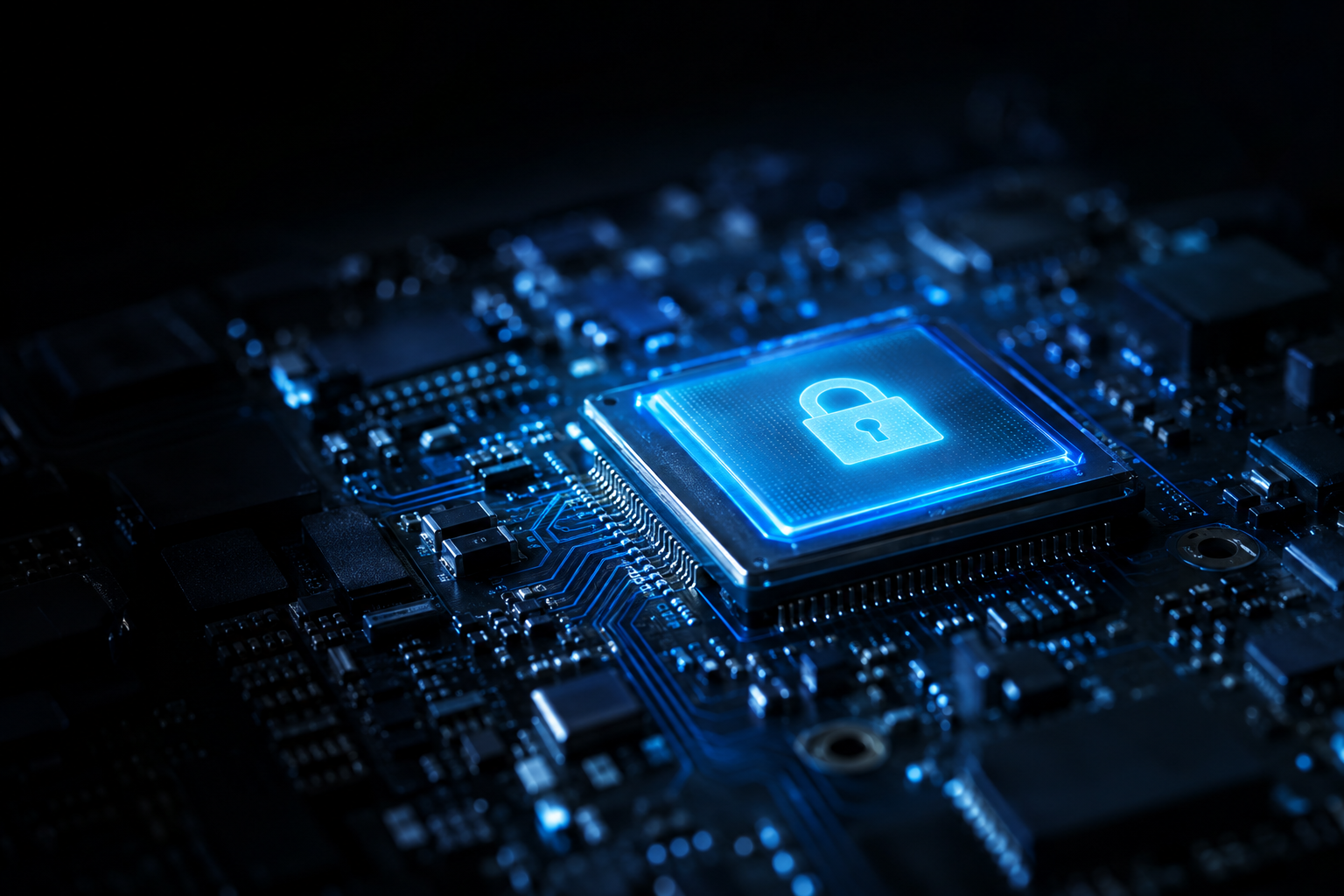
Every modern Mac carries a small fortress inside it, but the fortress is not built quite the same way on every model. The T2 vs Apple Silicon security question comes up constantly in the used market, because the two generations share a security philosophy while differing in the details that actually trip up a buyer or seller — how the machine locks to an owner, how its storage is encrypted, and what you have to verify before money changes hands. Get those details right and a used Mac is a safe purchase; ignore them and you can end up with a locked brick.
What T2 and Apple Silicon have in common
The foundation is identical: both use a Secure Enclave. Apple describes the Secure Enclave as "a dedicated secure subsystem integrated into Apple SoCs" that stays isolated from the main processor, so device secrets survive even if the rest of the system is compromised, per Apple's Platform Security guide. It holds a hardware root of trust, a dedicated AES engine, and protected memory, and it manages "all user data encryption keys" so that data is "cryptographically tied to a particular device."
Apple is explicit about which Macs have it: "All Intel-based Mac computers with the T2 Security Chip" include a Secure Enclave, and so do "all Mac computers with Apple silicon." On an Intel Mac the Secure Enclave lives inside the separate T2 chip; on an Apple Silicon Mac it is built directly into the main system-on-chip. Functionally, that shared subsystem is why both generations support FileVault disk encryption, hardware-backed key storage, and Activation Lock.
The T2 vs Apple Silicon differences that matter used
The similarities end at the boot process and a few practical edges. Here is how the two compare on the points that affect a purchase:
| Security feature | Intel Mac with T2 | Apple Silicon Mac |
|---|---|---|
| Secure Enclave | Yes — inside the separate T2 chip | Yes — integrated into the main SoC |
| Storage encryption | Always encrypted at the hardware level; FileVault adds password protection | Always encrypted at the hardware level; FileVault adds password protection |
| Activation Lock | Supported, tied to the Secure Enclave | Supported, tied to the Secure Enclave |
| Secure boot control | Startup Security Utility: Full, Medium, or No Security | Per-OS LocalPolicy, set in Recovery |
| macOS support horizon | Intel line dropped by macOS 27 (2026); security updates for a few more years | Full ongoing macOS support |
Storage is worth underlining. On both generations the internal drive is encrypted by hardware whether or not the owner turned on FileVault — enabling FileVault simply adds the requirement to enter a password before the key is released at boot. The keys never leave the Secure Enclave, which is why you cannot simply pull a chip and read the data.
The short version: T2 Intel Macs and Apple Silicon Macs share the same Secure Enclave, storage encryption, and Activation Lock. The differences are in boot security controls and the macOS support horizon. Before buying used, verify Activation Lock is off — on either generation, an erase alone does not remove it.
Activation Lock is the one both share — and the one to check
Because Activation Lock rides on the Secure Enclave, it behaves the same on both generations, and it is the single most important thing to verify. Apple's Platform Security documentation notes that this protection "remains enabled even if the device is erased" — it operates at the firmware and server level, independent of local data. Wiping a locked Mac does not unlock it. Only the original Apple Account credentials or, for an organization-managed machine, a server-side call through Apple Business Manager can clear it.
That makes the buyer's checklist simple. As AppleInsider's used-Mac guide advises, ask the seller to power the Mac on in front of you — a properly prepared machine boots to the "Hello" setup screen — and check Activation Lock Status under Hardware in System Information. If it reads Disabled, the Mac is safe to buy. Never buy one that shows a message demanding the Apple ID used to activate it.
Secure boot: where the two really diverge
The boot mechanism is the clearest technical split. On a T2 Mac, boot security is governed by the Startup Security Utility, which Apple documents as offering three levels — Full Security (the default), Medium Security, and No Security — plus a separate media-boot policy that by default blocks booting from anything other than the drive directly connected to the T2 chip, as Apple explains. Apple Silicon Macs replace that with a per-operating-system LocalPolicy set in Recovery.
For a used buyer, the practical takeaway is the same on both: a machine could have been left at a reduced security setting by a previous owner. It is worth confirming the Mac is set to full security and boots normally from its internal drive, since changing those policies requires authenticating in Recovery with a Secure Enclave–backed credential.
What a seller should do on either generation
Sellers carry the mirror-image responsibility. On both a T2 Intel Mac and an Apple Silicon Mac, the steps are identical: back up, sign out of your Apple Account and turn off Find My, then use Erase All Content and Settings, which wipes the machine cryptographically because the encryption keys live in the Secure Enclave. Skipping the sign-out step is the classic mistake — it leaves the buyer staring at an Activation Lock prompt through no fault of their own.
Because the security model is shared, so is the value logic: a properly signed-out, erased Mac is worth more to any buyer than a locked one, regardless of generation. If you would rather skip the private-sale checklist entirely, an instant offer takes about thirty seconds and the sign-out and secure-erase steps are the only prep that matters on your end.
The bottom line
T2 and Apple Silicon Macs are more alike than different where security counts: both lean on the Secure Enclave for encryption, both keep storage encrypted at the hardware level, and both enforce Activation Lock that an erase will not remove. The differences — the boot-security controls and, increasingly, the Intel support horizon — are real but manageable. Whichever side of the deal you are on, the whole transaction comes down to one verifiable fact: Activation Lock off, owner signed out, drive erased. Confirm that, and the fortress works for you instead of against you.
Get an instant offer on your Mac
A real number in about 30 seconds — working or not. Free prepaid shipping, no seller fees, paid the day it arrives.*
Get my offerSources
More from Encore
 Apple Silicon vs Intel
Your Intel Mac Still Works — How to Get the Most From It (or Move It)
Golden Gate dropped Intel Macs, but yours still has years left: how to keep it safe, useful, and worth something.
Sep 27, 2026 · 6 min read
 Apple Silicon vs Intel
How Apple Quietly Hardened Activation Lock at the Hardware Level
Activation Lock lives in the Secure Enclave and boot chain, not macOS — which is why erasing a Mac never clears it. Here's how it really works.
Sep 24, 2026 · 7 min read
 Apple Silicon vs Intel
The MacBook Neo's 8GB Ceiling: Who It's For and Who It Isn't
The Neo's soldered 8GB of memory can never be upgraded. It's genuinely enough for light use and a hard wall for pros. Here's how to tell which you are.
Sep 24, 2026 · 6 min read