Parts Pairing: Why Third-Party Repairs Can Cost You
Apple ties key components to a Mac's logic board, so a non-genuine repair can trigger warnings and quietly dent resale value. Here's what to know — and what to disclose when you sell.
Encore Editorial · Sep 9, 2026 · 6 min read
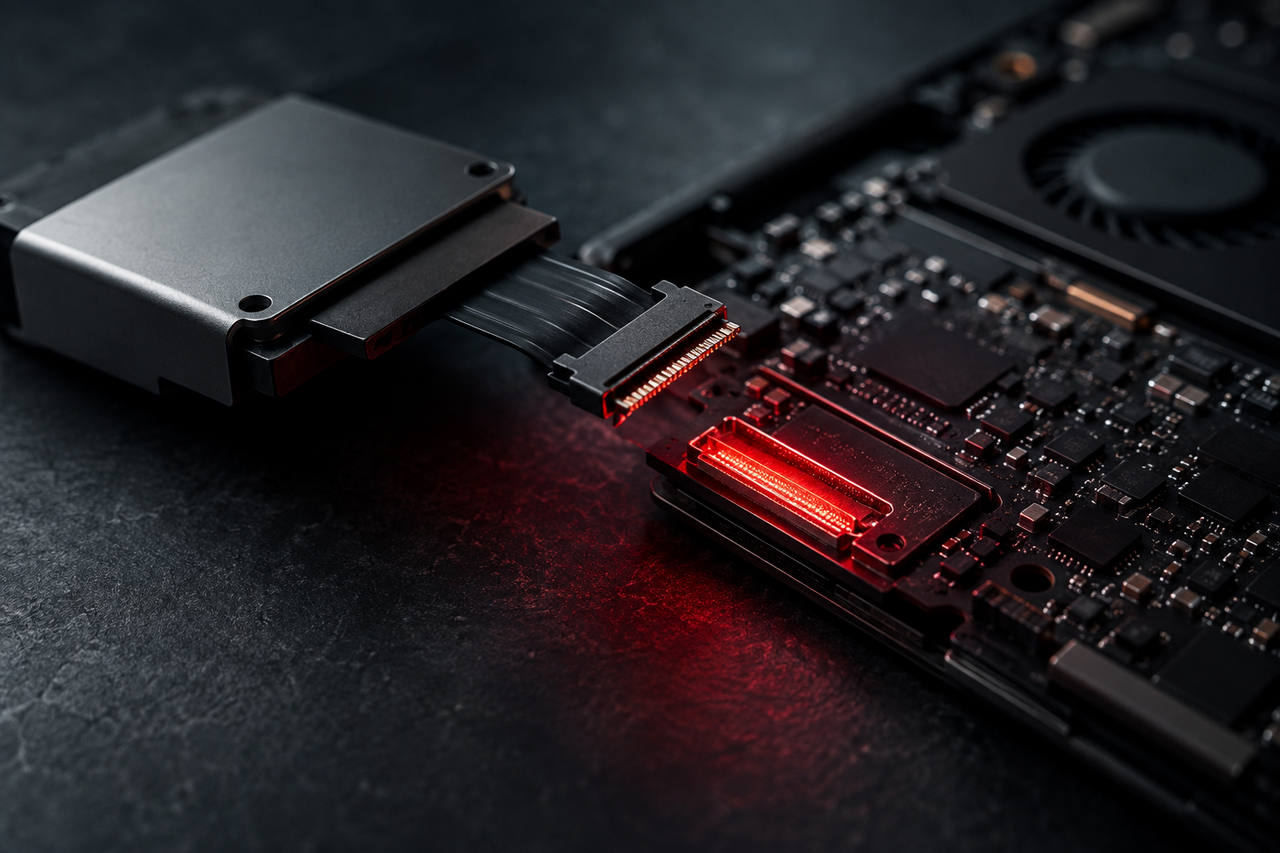
If your Mac ever needs a repair, one decision quietly shapes what the machine will be worth afterward: whether the replacement part is genuine and properly recognized by the system, or a third-party component installed outside Apple's process. It sounds like a detail. It isn't. Modern Macs tie certain components to the logic board, and when a repair doesn't go through the right channel, the machine can flag the part as unrecognized — a small technical event with a real effect on resale value and buyer confidence.
This isn't a reason to panic if you've had work done, and it's certainly not a reason to avoid fixing a machine that needs it. But it is worth understanding before you choose a repair path, and worth being honest about when you sell.
What parts pairing actually is
On modern Apple hardware, several key components are associated with the specific machine they ship in. The system expects to see the components it was calibrated with, and when a part is swapped, it can tell. If the replacement is genuine and installed through Apple's process — where the new part gets properly recognized and calibrated — everything behaves as it should. If a component is replaced outside that process, the Mac may not fully recognize it, and can surface a notice indicating a part couldn't be verified as genuine.
The machine usually keeps working. But that little "can't verify this part" flag is exactly the kind of thing a used-Mac buyer notices and worries about — and worry translates directly into a lower price or a stalled sale.
The repair choice outlives the repair. A genuine, properly recognized part keeps a Mac's value intact. A non-genuine or improperly installed one can trigger a warning the next owner will see — so the cheaper repair today can quietly cost you more at resale than it saved.
Why buyers care so much
To understand why an unrecognized-part flag hits value harder than it seems it should, you have to appreciate why people buy used Macs in the first place. They buy them because Macs are exceptionally reliable and long-lived. BGR made the point vividly in a piece arguing that refurbished MacBook Pros are so good they're causing problems for Apple — the machines last so long and stay so capable that a used one is a real substitute for new. The entire appeal of buying secondhand rests on trust that the machine is sound and will keep going for years.
A parts-pairing warning undercuts exactly that trust. It raises questions the buyer can't easily answer: What was replaced? Was it done well? Will the flag cause problems later? Even when the machine is perfectly fine, uncertainty is what a used-Mac buyer is most afraid of — and an on-screen notice about an unverified component is uncertainty made visible. The cleaner the machine's repair story, the more confidently it sells.
The bigger picture: repair barriers can strand good machines
Parts pairing is one thread in a larger pattern where modern Macs can be sidelined for reasons that have nothing to do with whether they still work well. The starkest example is software locks. Fight to Repair documents how activation locks send working MacBooks to the trash — physically healthy machines that can't be reused or refurbished because of a lock tied to an account, so they get scrapped instead of finding a second owner.
The lesson generalizes to repairs: on modern Macs, a machine's fate at resale isn't just about its physical health. It's about whether it can pass cleanly into the next owner's hands — no unresolved account lock, no unexplained part warning, nothing that makes a buyer or a refurbisher back away. A capable Mac deserves a second life; the things that prevent it are worth avoiding where you can.
How to protect your Mac's value
- Prefer genuine, properly recognized repairs. When a part is installed and calibrated correctly, the machine recognizes it and no warning appears — that's what keeps value intact.
- Keep your paperwork. Records of what was done, and that a genuine part was used, are reassuring to a buyer and worth holding onto.
- Know your machine's status before you sell. Check whether the system shows any part-verification notices so nothing surprises the buyer mid-sale.
- Disclose honestly. If a machine has had a non-genuine repair or shows a flag, say so plainly. Buyers forgive disclosed history far more readily than a warning they discover after paying.
| Repair path | Likely effect at resale |
|---|---|
| Genuine part, properly recognized | Value preserved; clean sale |
| Non-genuine part, unrecognized | Possible warning; lower price, slower sale |
| Undisclosed prior repair | Erodes trust if the buyer finds it later |
| Disclosed history with records | Buyers accept it far more readily |
When a repair story complicates the sale
Here's the frustrating part of selling privately: a machine with any repair complexity — an unrecognized part, a flag, a fault you'd rather fix than hide — is exactly the kind that draws lowball offers, skeptical questions, and buyers who walk. The very history you're being honest about becomes a negotiating cudgel.
That's where selling to a dedicated buyer takes the pressure off. With Encore you get an instant online offer in about 30 seconds, a free prepaid, insured shipping label, and payment once the Mac arrives — the offer you accepted is the offer you're paid. Crucially, Encore buys broken and repaired units too, so a machine with a non-genuine part, a warning, or an unresolved issue still has a clean, honest exit instead of sitting unsold while buyers use its history against you. You disclose what's true, get a straight number, and move on. A flawless private sale of a machine with a spotless repair record might beat it on headline price — but for anything with a wrinkle, it removes the haggling and the risk. To see where your machine lands, start with an offer for your MacBook Pro or whichever Mac you own.
Get an instant offer on your Mac
A real number in about 30 seconds — working or not. Free prepaid shipping, no seller fees, paid the day it arrives.*
Get my offerSources
More from Encore
 Repairs & Reliability
The Spinning-Disk iMac: Upgrade It or Sell It?
An SSD can transform a slow hard-drive iMac, but the glued display makes it tricky. Here's when to upgrade and when to just sell.
Sep 27, 2026 · 6 min read
 Repairs & Reliability
Liquid Damage Doesn't Always Total a Mac
A spill's real enemy is corrosion, not water. Why many liquid-damaged Macs are repairable — and still hold value if they aren't.
Sep 25, 2026 · 6 min read
 Repairs & Reliability
Flexgate and Staingate: Old Display Defects That Still Hit Resale
What Flexgate and Staingate are, which MacBook Pros they hit, and how each one moves used value years after Apple's repair programs ended.
Sep 25, 2026 · 6 min read