GPU Failure on 2016–2019 MacBook Pros: What It Means for Resale
Artifacts, crashes, and stage-light screens on 2016–2019 MacBook Pros come in two forms — here's which Apple fixed and what a glitchy unit is worth.
Encore Editorial · Sep 8, 2026 · 6 min read
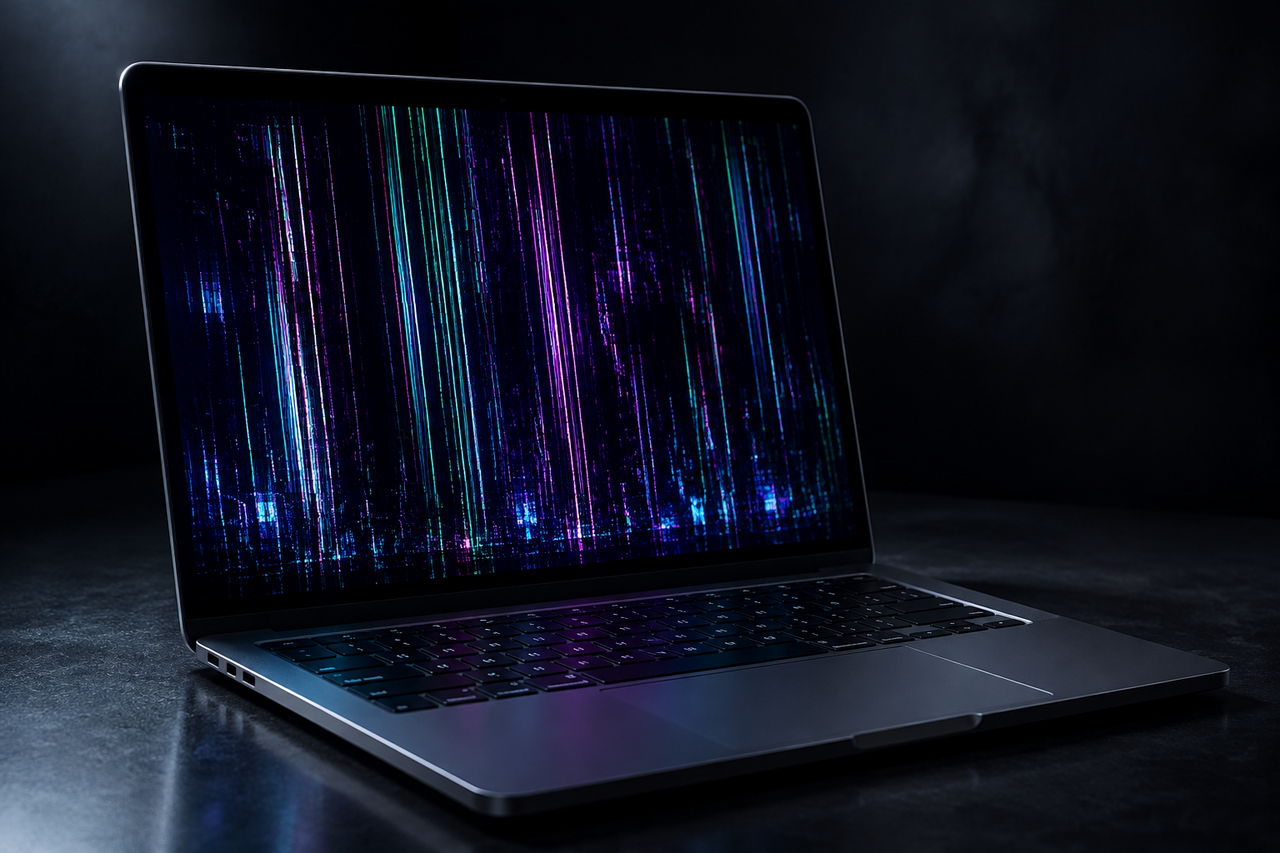
A MacBook Pro that suddenly scatters colored static across the screen, freezes mid-render, or reboots itself with a cryptic startup error is showing some of the most alarming symptoms a laptop can produce. On the 2016 through 2019 MacBook Pros — the polarizing Touch Bar generation — graphics trouble is a known quantity, and GPU failure on these machines sits at the intersection of two separate hardware stories that owners routinely conflate. Sorting out which one you are looking at matters, because it decides whether Apple ever offered to fix it for free and what a glitchy unit is actually worth today.
Here is what actually went wrong on these Macs, what Apple did and did not cover, and how a display or graphics fault changes the math when you go to sell.
Two different problems that look the same
When people say their MacBook Pro's "graphics died," they usually mean one of two very different failures.
The first is flexgate — a display fault, not a chip fault. A thin, fragile ribbon cable carries power to the screen's backlight, and it frays with the repeated opening and closing of the lid. As MacRumors documented, the result is "uneven lighting at the bottom of the screen, which looks a bit like a 'stage light' effect," and over time the backlight can fail entirely. It affected 2016 and 2017 models in particular. Because the symptom is visual, owners often assume the graphics processor is dying when the actual culprit is a two-dollar cable behind the display.
The second is a genuine discrete GPU failure — the AMD Radeon Pro chip on the higher-end 15-inch models degrading or losing its connection to the logic board. This is the one that produces true rendering artifacts, kernel panics, and spontaneous restarts.
The quick test: if the glitch is uneven light along the bottom edge of the screen, that is flexgate — a display cable. If you see colored artifacts across the whole image, crashes under load, or restarts referencing AMD graphics, that is the discrete GPU itself. They are worth different things.
What Apple actually covered
Only the flexgate issue got an official fix. In May 2019 Apple launched a 13-inch MacBook Pro Display Backlight Service Program, covering units sold between October 2016 and February 2018 and repairing them free of charge. Apple later extended that window, but it was narrow from the start — the 15-inch models and the 2018 and 2019 machines that can show identical symptoms were never enrolled.
The discrete GPU failures never got a program at all. That is a notable break from Apple's own precedent. A decade earlier, the company ran a MacBook Pro Repair Extension Program for Video Issues covering 2011 through 2013 models with AMD graphics, whose owners reported "distorted video, no video, or unexpected system restarts." Apple replaced the logic boards, though the program formally expired at the end of 2016. For the 2016 through 2019 Radeon Pro machines, no equivalent safety net was ever offered — if the dedicated GPU fails, the repair is on you.
What a failing GPU looks like day to day
The discrete-GPU symptoms are consistent enough that owners recognize each other's descriptions. One detailed firsthand account of a 2018 15-inch MacBook Pro with the Radeon Pro 560X logged unexpected reboots, an external monitor that kept dropping out, crashes when waking from sleep, and system logs full of kernel panics tracing back to the message "AMDRadeonAccelerator driver returns false." The owner explicitly compared it to the "mass GPU failures that occurred with 2011" MacBook Pros.
Common signs a dedicated GPU is on its way out:
- Colored dots, lines, or blocky artifacts that appear across the whole screen, often worst under graphics load
- Kernel panics and spontaneous restarts, frequently when switching graphics modes or connecting an external display
- An external monitor that connects and disconnects at random, or refuses to work at all
- Crashes on wake from sleep, or a black screen on wake
There is a well-known software workaround: forcing the machine onto its integrated Intel graphics with the Terminal command sudo pmset -a gpuswitch 0, which the 2018 owner used to stop the crashes until a hardware fix arrived. It sidesteps the failing chip, but it is a bandage, not a cure — the discrete GPU is soldered to the logic board, so a real repair means replacing the whole board.
What it does to resale value
A dead or dying GPU is one of the more expensive faults on a Mac to fix, because there is no component to swap — the logic board is the repair, and on a 15-inch machine that can run several hundred dollars through Apple or an authorized shop. That reality drags on resale in a predictable way. A buyer looking at a glitchy 2016–2019 MacBook Pro is really pricing in the cost and risk of a logic-board replacement, so the machine sells at a steep discount to a clean unit of the same year and spec.
But "steep discount" is not "worthless," and this is where sellers routinely misjudge. These machines still carry a Retina display, an aluminum chassis, an SSD, RAM, and a working keyboard and battery — all of which have salvage and refurbishment value even if the graphics are shot. A unit that panics under load is worth far more to someone who can harvest or repair it than it is sitting in a drawer.
Two practical notes before you sell:
- Diagnose which failure you have. If the fault is flexgate and your serial number still falls inside the backlight program's window, an Apple repair may be free — worth checking before you assume the machine is broken beyond economic repair.
- Be honest about the symptom. "Screen shows stage-light banding" and "GPU artifacts and kernel panics under load" are different disclosures. A buyer who knows exactly what they are getting pays a fairer price than one bracing for the worst.
Bottom line: if a GPU repair costs more than the machine is worth working, that does not mean the machine is worth nothing. It may be simpler to see what it's worth as-is than to sink a logic-board price into a seven- to ten-year-old laptop.
The bottom line
Graphics failures on the 2016–2019 MacBook Pros come in two flavors: a fixable display-cable problem that Apple covered for a narrow set of models, and a discrete-GPU failure that Apple never covered at all. Figure out which one you have first — it changes whether a free repair is even on the table. Either way, a machine that artifacts, panics, or won't drive a display is not dead weight. It is a discounted-but-real asset, and for units where the fix costs more than the fix is worth, selling as-is is usually the rational move.
Get an instant offer on your Mac
A real number in about 30 seconds — working or not. Free prepaid shipping, no seller fees, paid the day it arrives.*
Get my offerSources
More from Encore
 Repairs & Reliability
The Spinning-Disk iMac: Upgrade It or Sell It?
An SSD can transform a slow hard-drive iMac, but the glued display makes it tricky. Here's when to upgrade and when to just sell.
Sep 27, 2026 · 6 min read
 Repairs & Reliability
Liquid Damage Doesn't Always Total a Mac
A spill's real enemy is corrosion, not water. Why many liquid-damaged Macs are repairable — and still hold value if they aren't.
Sep 25, 2026 · 6 min read
 Repairs & Reliability
Flexgate and Staingate: Old Display Defects That Still Hit Resale
What Flexgate and Staingate are, which MacBook Pros they hit, and how each one moves used value years after Apple's repair programs ended.
Sep 25, 2026 · 6 min read