A Reliability Map of MacBooks by Model Year
A model-year tour of the faults a buyer or grader looks for first — so you know what's expected of your machine and what still holds its value.
Encore Editorial · Sep 11, 2026 · 7 min read
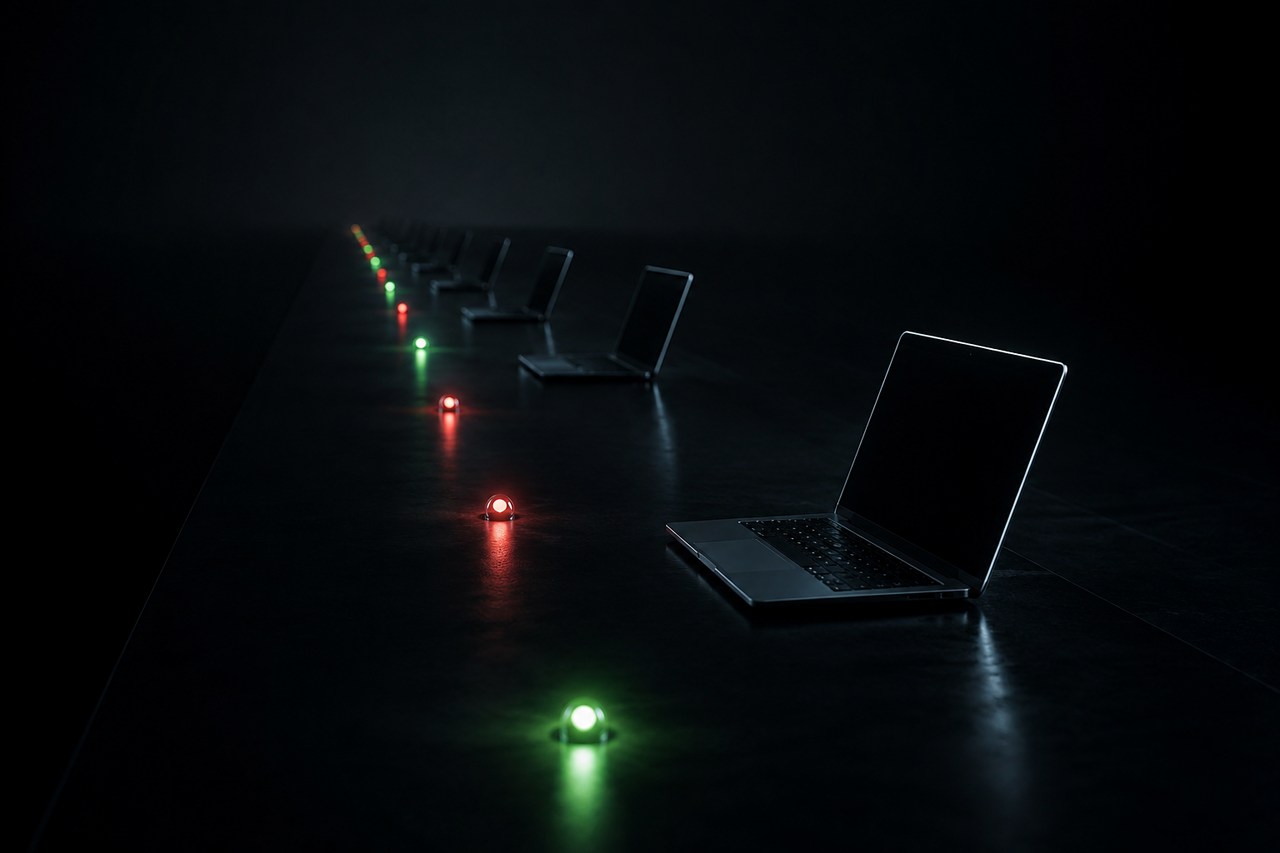
Every MacBook generation has a personality — a set of quirks that owners of that era know by heart and that a buyer or grader will check for before anything else. If you're about to sell, it helps to know which era your machine belongs to, because the questions a buyer asks about a 2017 Pro are completely different from the ones they ask about an M-series machine. Knowing the reputation of your model year lets you get ahead of the concern instead of being surprised by it.
Here's the encouraging part: newer MacBooks are lasting so long that they've become a genuine business problem for Apple. As BGR reported, well-kept MacBook Pros are holding up so well that they're cannibalizing sales of new laptops — people simply don't need to upgrade. For a seller, that longevity is exactly why a used Mac still commands a strong price.
The butterfly-keyboard years (roughly 2016–2019)
This is the era every knowledgeable buyer scrutinizes first. The ultra-thin "butterfly" keyboard used across most 2016–2019 MacBook and MacBook Pro models became infamous for keys that stuck, repeated, or died outright, often triggered by a single speck of dust. The saving grace is that these were covered under a repair program, so many have already had the keyboard replaced — and a documented replacement is a selling point, not a liability.
If your machine is from these years, the buyer's questions are predictable: does every key register, once, on a single press? Has the keyboard been serviced? A quick pass through every key in a text field, plus any repair paperwork you have, answers the concern before it's raised.
What else to check on this era
- Touch Bar behavior on the models that had one — it should light and respond consistently.
- Battery cycle count, since these machines are now several years old and many are on their original battery.
- Display anti-reflective coating, which on some units of this vintage can show staining.
The late-Intel transition (2019–2020)
These are the last Intel MacBooks, and they occupy an awkward spot. Many switched back to the more reliable scissor-switch "Magic Keyboard," so the keyboard worry largely disappears. But they run hot and loud under load, and — more importantly for value — they're at the tail end of software support. A buyer for one of these machines is usually looking for a bargain workhorse, and grades honestly on wear and battery rather than expecting perfection.
The Apple Silicon era (2020 onward)
The M1 changed the reliability conversation. These machines run cool, the fanless MacBook Air has no fan to fail, and there's no butterfly keyboard in sight. The common "faults" here are mostly cosmetic and battery-related rather than systemic design flaws. A grader checks the screen for scratches, the chassis for drop damage, and the battery health — but there's no notorious era-defining defect to hunt for, which is a big part of why these hold their value so well.
The single biggest value-killer isn't a hardware fault at all — it's a lock. A MacBook still tied to an Apple ID with Activation Lock on can't be resold or refurbished. As Fight to Repair documented, perfectly working, locked MacBooks routinely get scrapped because no one can unlock them. Signing out and erasing before you sell protects both the planet and your payout.
A quick reference by era
| Era | What a buyer checks first | Reputation |
|---|---|---|
| 2016–2019 (butterfly) | Every key registers once; keyboard service history | Fragile keyboard, often already repaired |
| 2019–2020 (late Intel) | Battery, heat under load, software-support horizon | More reliable keyboard, but aging out of updates |
| 2020+ (Apple Silicon) | Screen, chassis, battery health | Cool, quiet, durable; strong resale |
How to use this before you sell
Once you've placed your Mac on this map, three moves cover almost everything a buyer will ask:
- Test the era-specific weak point. Butterfly keyboard? Type across every key. Late Intel? Note the battery and mention any fan noise. Apple Silicon? Confirm the screen and battery health.
- Gather any repair records. A prior keyboard or battery replacement genuinely raises what your machine is worth — it means the known weak point has already been addressed.
- Clear the lock. Whatever the year, sign out of your Apple ID, turn off Find My, and erase the machine so it's actually sellable.
The reassuring takeaway is that age hurts a MacBook far less than it hurts most laptops. Even machines from the difficult butterfly years are worth selling rather than shelving, and Apple Silicon models hold value remarkably well. If you'd rather skip diagnosing your model year against a buyer's checklist, Encore quotes based on exactly what your machine is: you get an instant online offer in about 30 seconds, a free prepaid, insured label, and payment once it arrives — and it buys broken and locked units too, so even a machine with a known-era flaw still has somewhere to go. It won't always beat a flawless private sale on headline price, but it takes the guesswork out of what your particular vintage is really worth. If you have an older laptop gathering dust, it costs nothing to see what it's worth as-is.
Get an instant offer on your Mac
A real number in about 30 seconds — working or not. Free prepaid shipping, no seller fees, paid the day it arrives.*
Get my offerSources
More from Encore
 Repairs & Reliability
The Spinning-Disk iMac: Upgrade It or Sell It?
An SSD can transform a slow hard-drive iMac, but the glued display makes it tricky. Here's when to upgrade and when to just sell.
Sep 27, 2026 · 6 min read
 Repairs & Reliability
Liquid Damage Doesn't Always Total a Mac
A spill's real enemy is corrosion, not water. Why many liquid-damaged Macs are repairable — and still hold value if they aren't.
Sep 25, 2026 · 6 min read
 Repairs & Reliability
Flexgate and Staingate: Old Display Defects That Still Hit Resale
What Flexgate and Staingate are, which MacBook Pros they hit, and how each one moves used value years after Apple's repair programs ended.
Sep 25, 2026 · 6 min read